Know what's on the shelf.
Products, suppliers, batches and recipes in one place. Every change to a count has a reason behind it.
A catalog that matches the shelf.
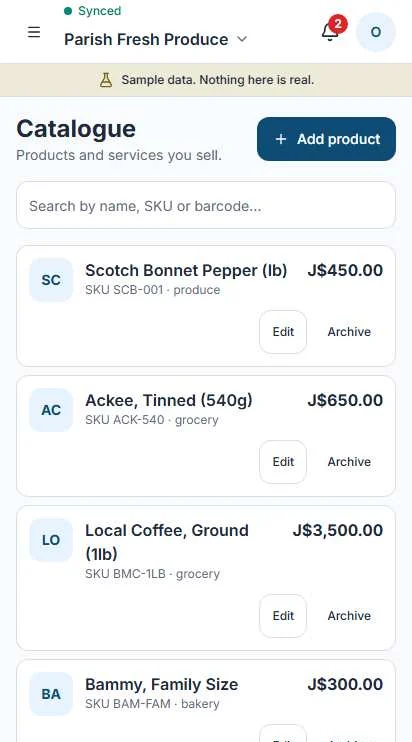
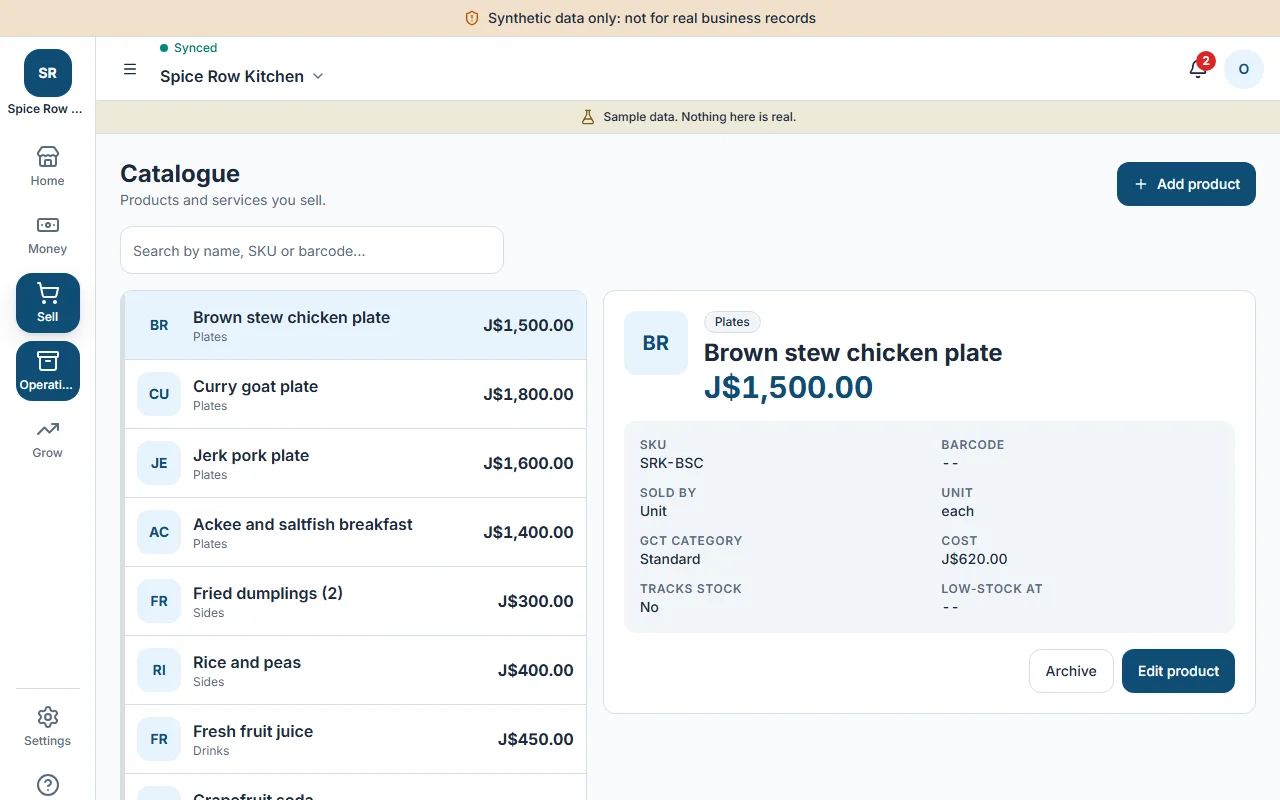
SKUs and barcodes
Give each product a SKU and a barcode, so the register and the stock room agree.
Units that fit the goods
Sell by each, by kg or by the bunch. Counts and prices follow the unit.
Cost price stays private
Only the Owner and Manager see what an item cost you. Cashiers never do.
Stock by location
Know what sits in the shop, the back room or the van.
Batches and expiry
Track batches and expiry dates. Operate warns you before the date, not after.
Spoilage for produce
Record what went bad, how much and why, so the loss shows up in your numbers.
Counts only move for a reason.
Nobody edits a quantity by hand. Stock changes only when something real happens, and each change is kept as a movement you can read back.
So when a count looks wrong, you can see what moved it, when and who did it.
Stocktakes you can finish tomorrow.
Count a shelf, stop for a customer, pick it up later. Nothing changes in your stock until you review and post.
Count
Scan each item, or key the quantity in.
Save
Stop any time and continue where you left off.
Review
See every variance between what the system expected and what you counted.
Post
Confirm, and the differences are recorded as stock movements.
From order to bill, in order.
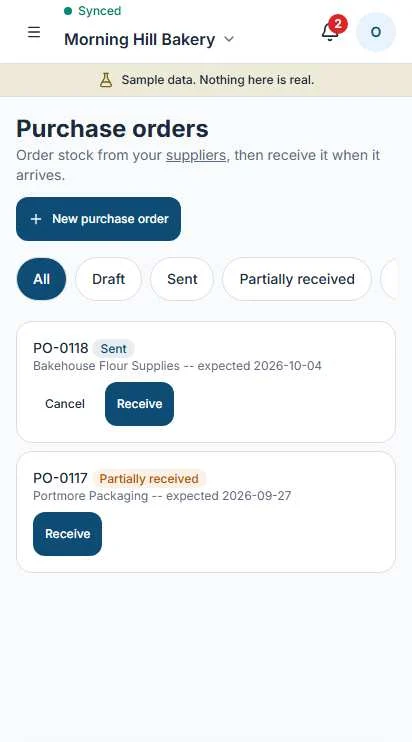
Raise a purchase order, send it, receive the goods and record what the supplier charged. Each step links to the one before.
- Start a purchase order as a draft and edit it until it is ready.
- Operate prepares the order for WhatsApp or email. You open it and send it.
- Receive in full or in part. Stock goes up by what actually arrived.
- Record the supplier's bill against the order. Once you are GCT registered, input GCT is captured too.
- Move stock between locations with a transfer.
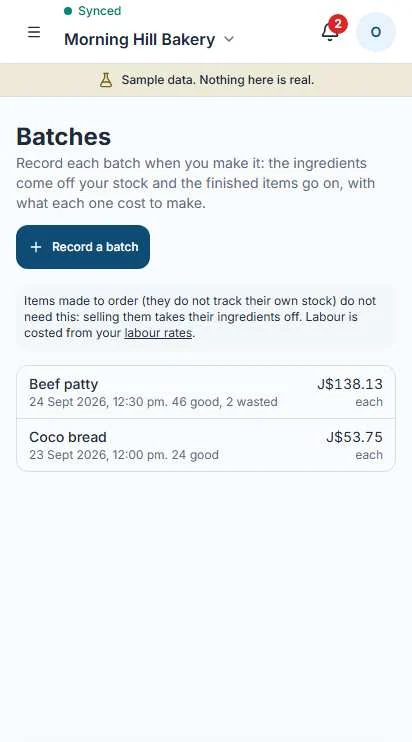
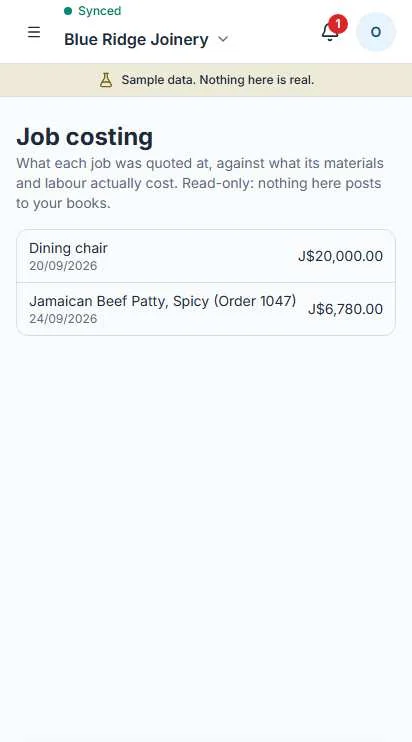
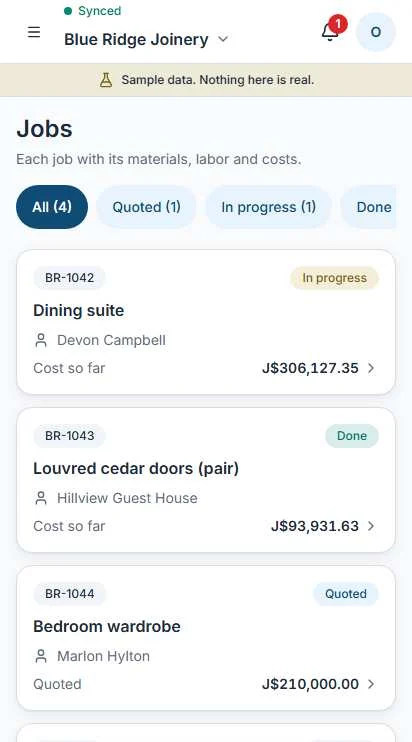
Make it, cost it, price it.
For bakers, makers and trades. Recipes and jobs carry real costs, so you know what each thing cost to make or do.
The true cost of an hour.
A J$1,000 wage doesn't cost you J$1,000. The employer's share of NIS, NHT, Education Tax and HEART sits on top. Try it with your own number.
Rates live in a dated statutory pack and update when the law changes.
The things you own, kept track of.
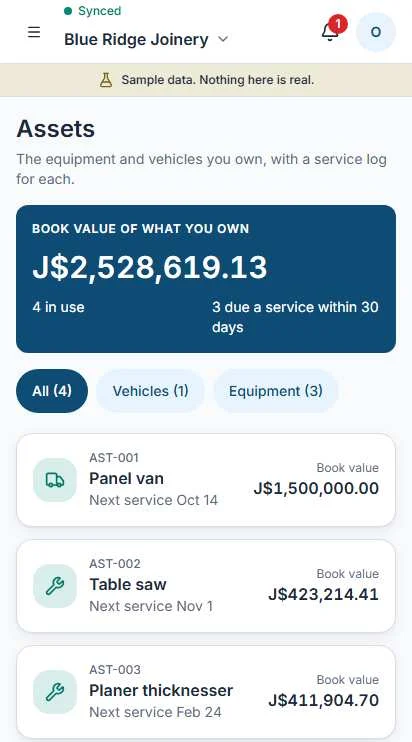
Vehicles and equipment get a record: what it is, when it was bought, when it is next due for service.
- Keep vehicles and equipment in one assets register.
- Set service dates and see what is coming up.
- Disposal needs a reason. The record stays, it is never deleted.